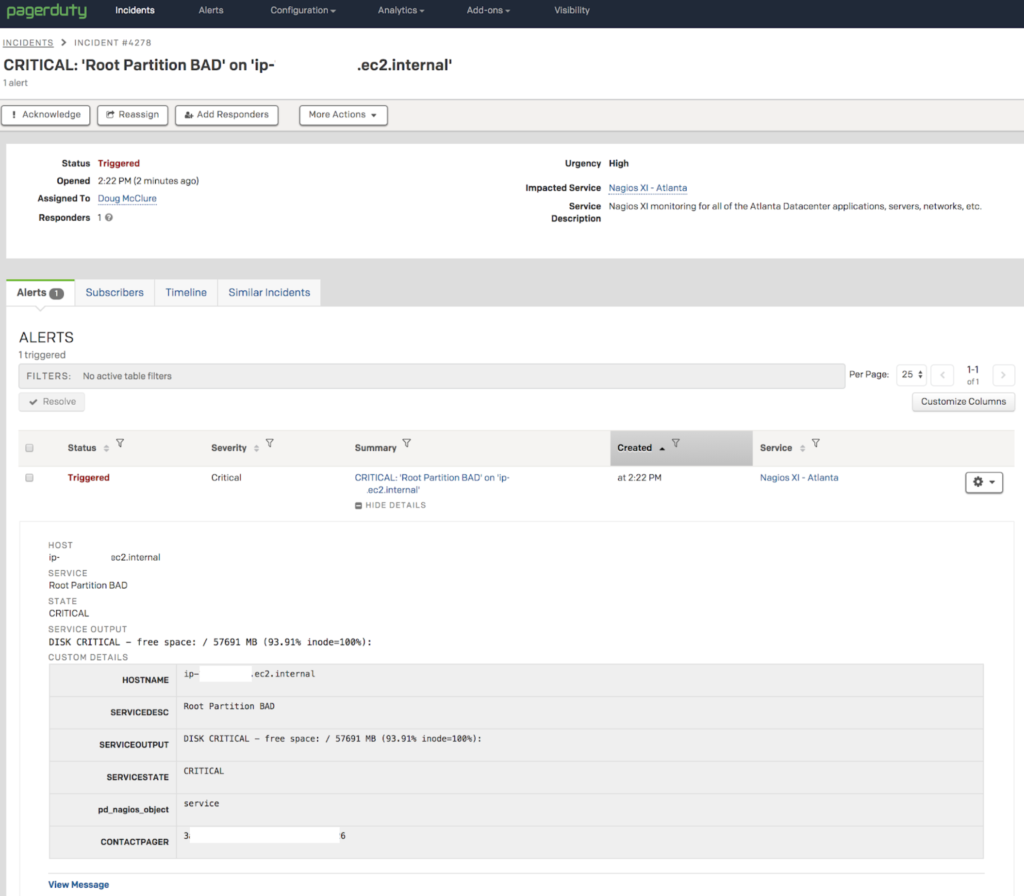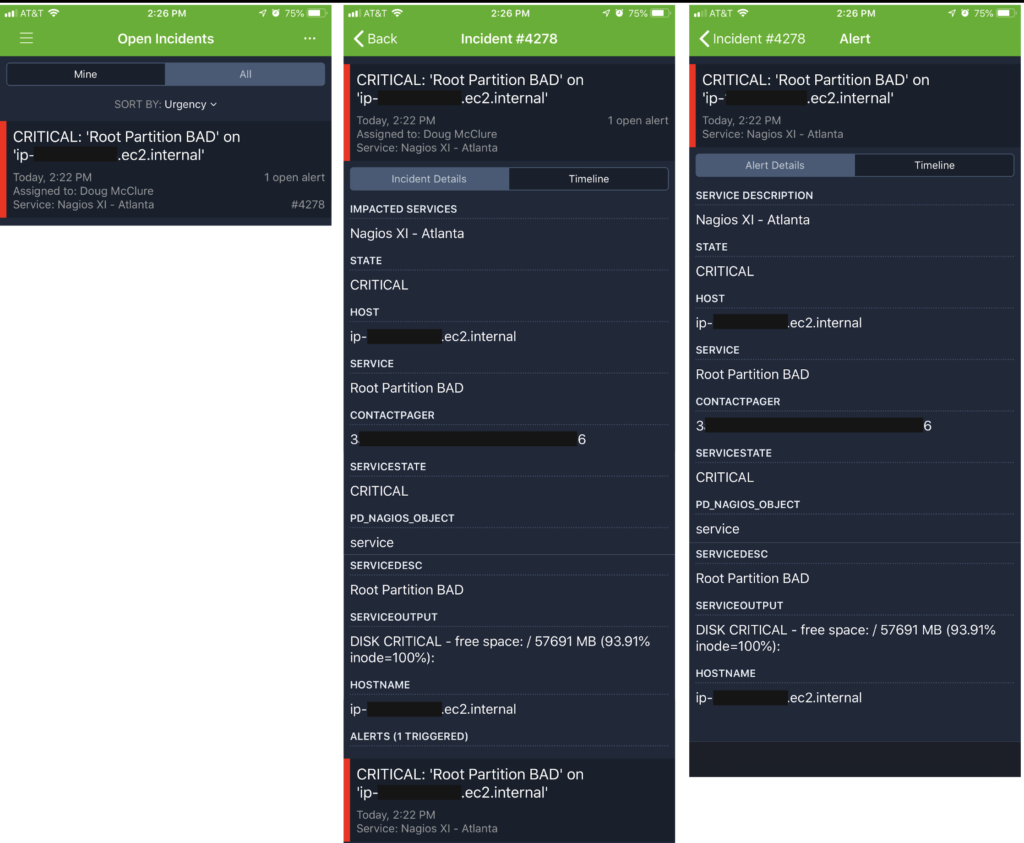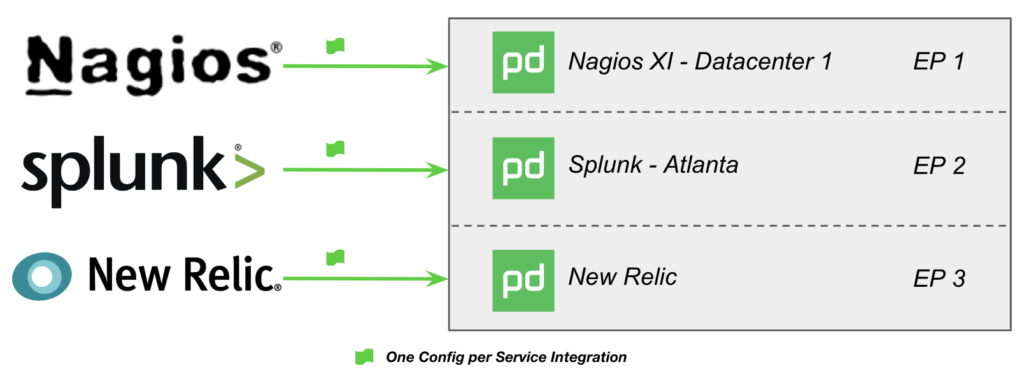
In the prior blog post, I walked through how following the PagerDuty – Nagios XI integration guides leads us to the creation of a “Monitoring Service”. At the end of that post, I mentioned I’d talk about some of the reasons why running in this default configuration isn’t best practice and how this impacts an ops team’s response when using PagerDuty. I’ll talk about this today as well as layout the next few blog posts about moving to better practices when integrating Nagios with PagerDuty.
These few items called out here are by no means an exhaustive or complete list but do represent many of the significant areas I see in both small and large PagerDuty customer environments and spend the most time optimizing for them.
Your PagerDuty Foundation Isn’t Ready for Event Intelligence, Visibility, Analytics and Modern Incident Response!

When the sum of all the PagerDuty parts converge in a best practice configuration, PagerDuty’s platform capabilities ensure people (responder, team lead, manager, exec, etc) receive notifications with the right context at the right time so the appropriate response can be taken.
If the context conveyed via a PagerDuty service and incoming events is super generalized or named after a monitoring tool like “Nagios Service”, the ability to respond with the right urgency, understanding (context) and then take the appropriate action can be significantly impacted.
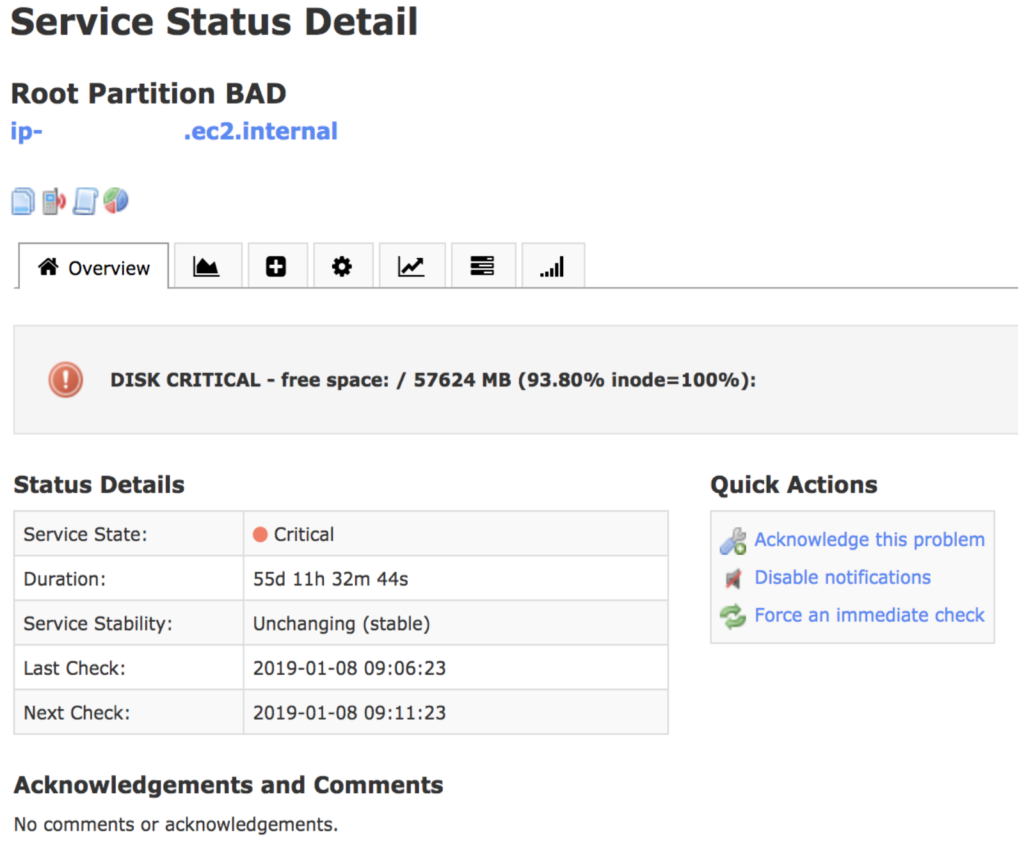
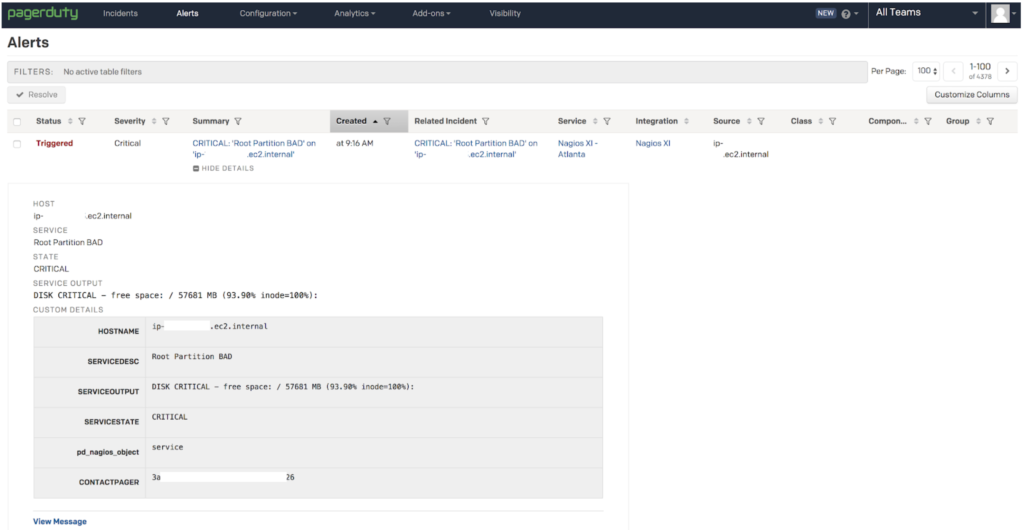
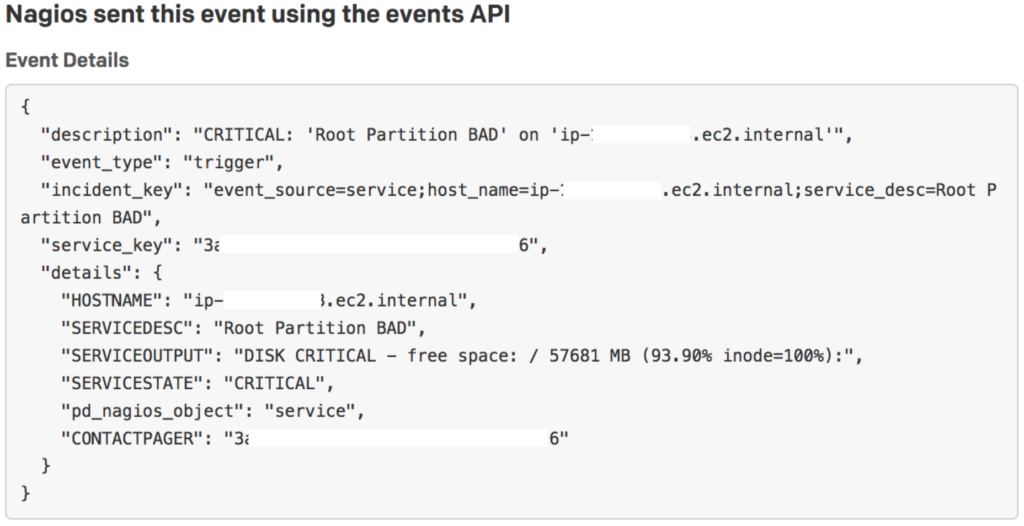
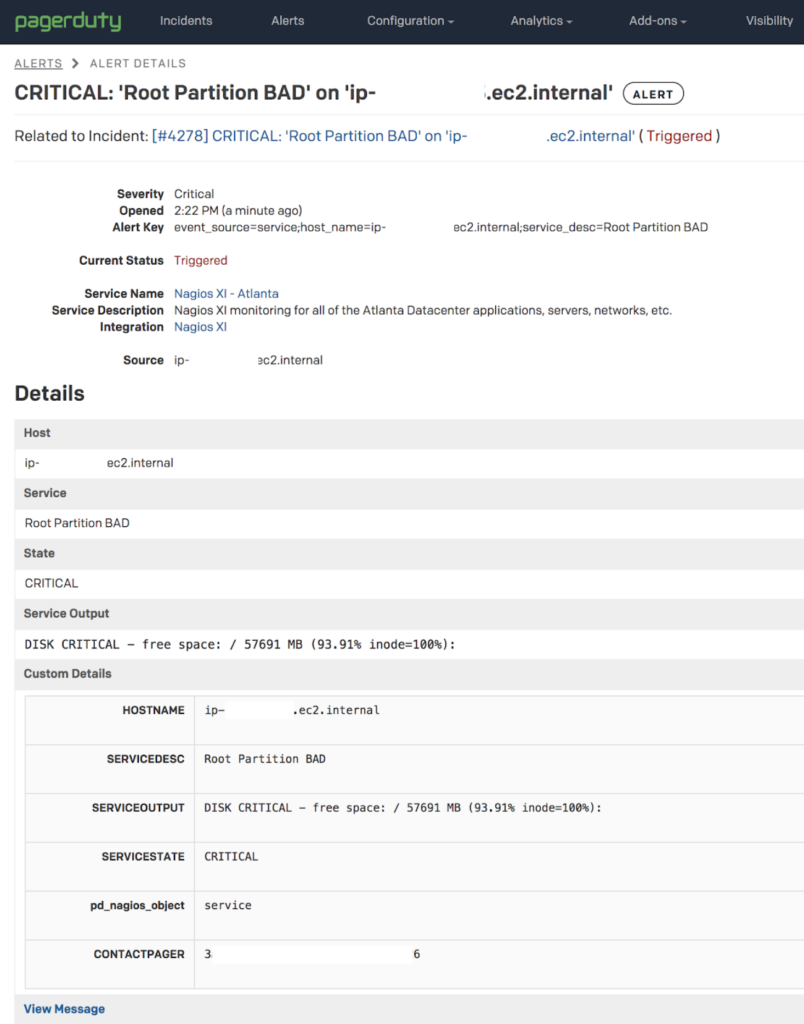
- For example, if an on-call responder is paged at 3 AM for a problem with the “Nagios Service”, what’s the appropriate response? Does the “SERVICE_DESC” in your Nagios Alerts prompt the desired response?
- If the MTTA/R is increasing for the “Nagios Service”, what is the root cause? Is it due to a single server or systemic problem across all the things, certain teams?
- There can only be one Escalation Policy (EP) for that “Monitoring Service”. This means all events from Nagios into your “Nagios Service” go to the same responder(s) or schedule(s)! If you own it all, great, but chances are you’ve got many responsible groups to deal with.
- There can only be one automated Response Play for that “Monitoring Service”. Mature operations teams seek to automate operational response where seconds count using automated responses with very specific Response Plays for applications, functional technology types, specific teams or responders. This isn’t possible due to the limitations of a single automated Response Play for your “Monitoring Service”. Don’t hit the big red panic button for 60% disk full events! (* Multiple Response Plays can be configured and launched manually via the Incident UI or Mobile App.)
- Responder Notification (Urgency) is broadly applied (High Urgency by default – aka “Wake You Up at 3 AM Setting”) to everything that may be coming in rather than specifically applied based on the required response. Maybe you want to use PagerDuty’s Dynamic Notifications on that “Monitoring Service” but do you ‘trust’ that incoming events have a severity that accurately maps to the needed urgency of an on-call responder’s response? I’ll bet that you’re probably sending in everything as ‘CRITICAL’ anyway. If 1 of 20 servers in your web tier has a ‘CRITICAL’ disk failure – does that warrant a high urgency page at 3 AM?
Sometimes Things [ Are | Are NOT ] Better Together!

One of our better practices is to use Alert Grouping as a means of controlling the noise from poorly configured thresholds or alerting logic, or just plain old “SHTF” situations and alert storms that happen in any ops environment. Without the use of something like PagerDuty’s Time-Based Alert Grouping (TBAG), every single incoming event results in a unique incident, which sends notifications to the on-call responder(s), rinse and repeat for every…single…event.
The situation that many customers fear when talking about “smart stuff” that is supposed to do whiz-bang grouping, correlating or other AI-ML-EIEIO magic is that the wrong alerts are grouped and things get missed.
PagerDuty TBAG is a hard, time-based approach to group things so if a Network Link 5% Packet Loss event (BFD!) happens in the same time window as a MySQL Process Failure event (Oh, shit!), those things likely don’t relate yet they are grouped together. The first event’s description becomes the incident’s description and someone is paged for the Network Link 5% Packet Loss item and the on-call responder dismissed that incident b/c their quick scan of the incident in the mobile app doesn’t prompt closer investigation or an urgent response. All the while, the critical business impacting MySQL Process Failure alert is unnoticed as it’s grouped in with the Network Link 5% Packet Loss incident. See why the concern? Not a fun discussion with the boss…
PagerDuty’s Intelligent Alert Grouping (IAG) ‘learns’ based upon historical TBAG grouping and responders manually merging alerts into incidents. If IAG makes sense in your future (and it will unless responders are dedicated to doing this manual correlation and merging, it can be challenging to do this within the PD Alert UI), you won’t want to influence what IAG may do with bogus groups that could happen with broad based “Monitoring Services”.
Net net here is you probably don’t want to use alert grouping on big, broad based “Monitoring Services” for fear that things are grouped incorrectly and something uber important is missed.
The Journey along the “Signal to Insight to Action” Path Leads to a Peaceful On-Call Experience!

All PagerDuty customers are entitled to use Global Event Routing and certain Global Event Rules to process and route incoming events to the appropriate service. If you’re following the default Nagios – PagerDuty integration guide and directly integrating with the service, you’re
Building upon this basic Global Event Routing capability is the broader Event Intelligence offering and its own associated Global Event Rules providing a growing toolbox of capabilities to deal with the operational realities of your environment.
When deployed properly you’ll efficiently move from signal to insight to action by ensuring the right events land on the right services at the right time so the right responder/team have the right context to take the right action. Whew, that’s a mouthful – but that’s the real goal here right? If you could avoid waking up Fred, Sally and Shika at 3 AM with non-actionable, low urgency events, WHY WOULDN’T YOU WANT TO DO THAT?
Any of this sound familiar
- Alert fatigue from too much noise in your monitoring tools? No problem, there’s a rule for dealing with that!
- False positive alerts waking people up at 3 AM due to reoccurring maintenance windows? No problem, there’s a rule for dealing with that!
- Crappy alert metadata leading to missed issues or long MTTA/R because on-call responders don’t grok what the alert is trying to tell them or don’t know what to do next? No problem, there’s a rule for dealing with that!
Don’t Let “Business As Usual” or “We’ve Always Done it This Way” Hold You Back!

Imagine a situation where Nagios is deployed and monitoring ALL of your infrastructure – dozens, hundreds maybe thousands of nodes, services, interfaces, URLs, etc. This would take considerable time and effort to move away from! (Worse, you probably have at least a dozen tools all set up similarly with PagerDuty!)
Imagine the sheer amount of manual work to move from your “Business as Usual” configuration of Nagios and PagerDuty “Monitoring Services” to something better – maybe you’re nervously thinking how you might unpack your “Nagios Service” – it may go something like this:
- Discover and map out exactly what’s being monitored by Nagios – “I think Nagios Ned can help me with that…”
- Discover server, application, ‘thing’ owners – “ugh, I have to talk with that group/person…”
- Discover context of what that ‘thing’ does, what it supports, what is impacted when problems found – “uh oh, I’m feeling really uncomfortable…”
- Discover what the appropriate operational response needs to be for all event classes/types and who’s responsible – “more meetings…fml…”
- Translate all of the above to appropriate PagerDuty configurations following best practices – “a whole lot of point+click coming my way…”
- …
There is a much better way and I have some ‘magic pixie dust’ that can help you optimize this!
Where do we go from here?
The next few posts I’ve got in mind build out something like this:
- Growing up from the Nagios – PagerDuty defaults – Crawling away from the default “Monitoring Service”
- Introducing the Global Event Routing API – Walking in with your eyes wide open
- Extending Nagios with Custom Attributes – Running with PagerDuty like a champ
- Applying Event Intelligence to improve your Nagios + PagerDuty experience for on-call responders
- Magic Pixie Dust – How PagerDuty can help you ADAPT to a better way of doing things in ops and on-call when using Nagios